 GuestLens
Run your site
System health and audit log
System health checks your server every time you open it. When something is wrong on your site, look here first. It answers most support questions before you have to ask them.
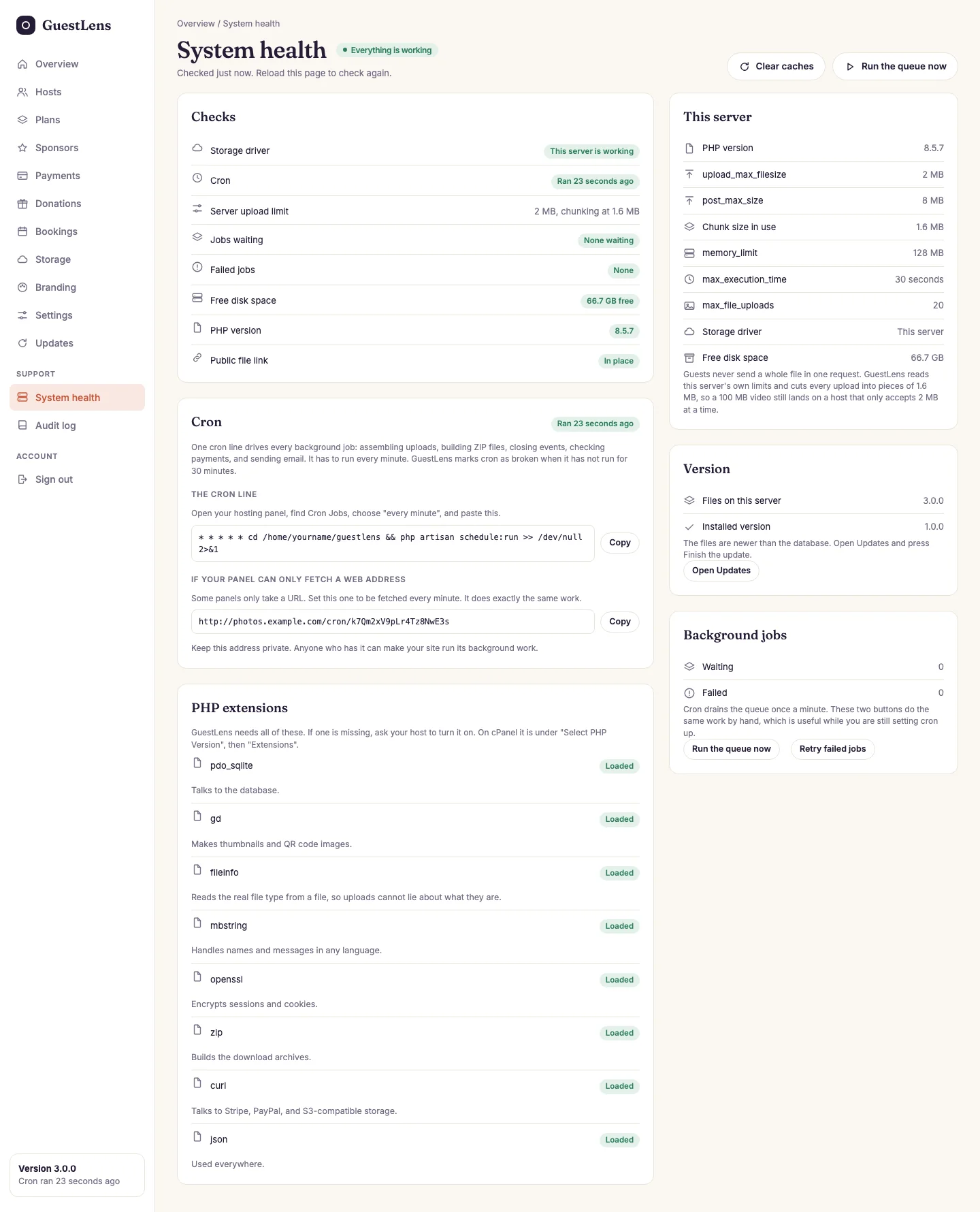
- Checks: storage, cron, the upload limit, waiting and failed jobs, free disk space, the PHP version, and the public file link. Green is fine. Anything else has a note that says what to do. The PHP check also turns orange when your PHP is older than the last PHP security fix. See Requirements.
- Cron: when it last ran, and the line to add. See The cron job.
- This server: your PHP limits, and the piece size GuestLens uses for uploads because of them.
- Version: the version of the files on the server, and of the database. When they differ, finish the update. See Updating.
- Background jobs: how many jobs are waiting or failed. Run the queue now does cron's work by hand. Retry failed jobs tries the failed ones again.
- Clear caches after you change
.envby hand, and Run the queue now.
Lower on the page, PHP extensions lists each extension GuestLens needs and what it is used for.
Audit log
The audit log records actions that delete, change, or move money, and who did them: a deleted photo, a suspended host, a refund, a changed plan. Use it to answer questions like "who deleted the gallery?".
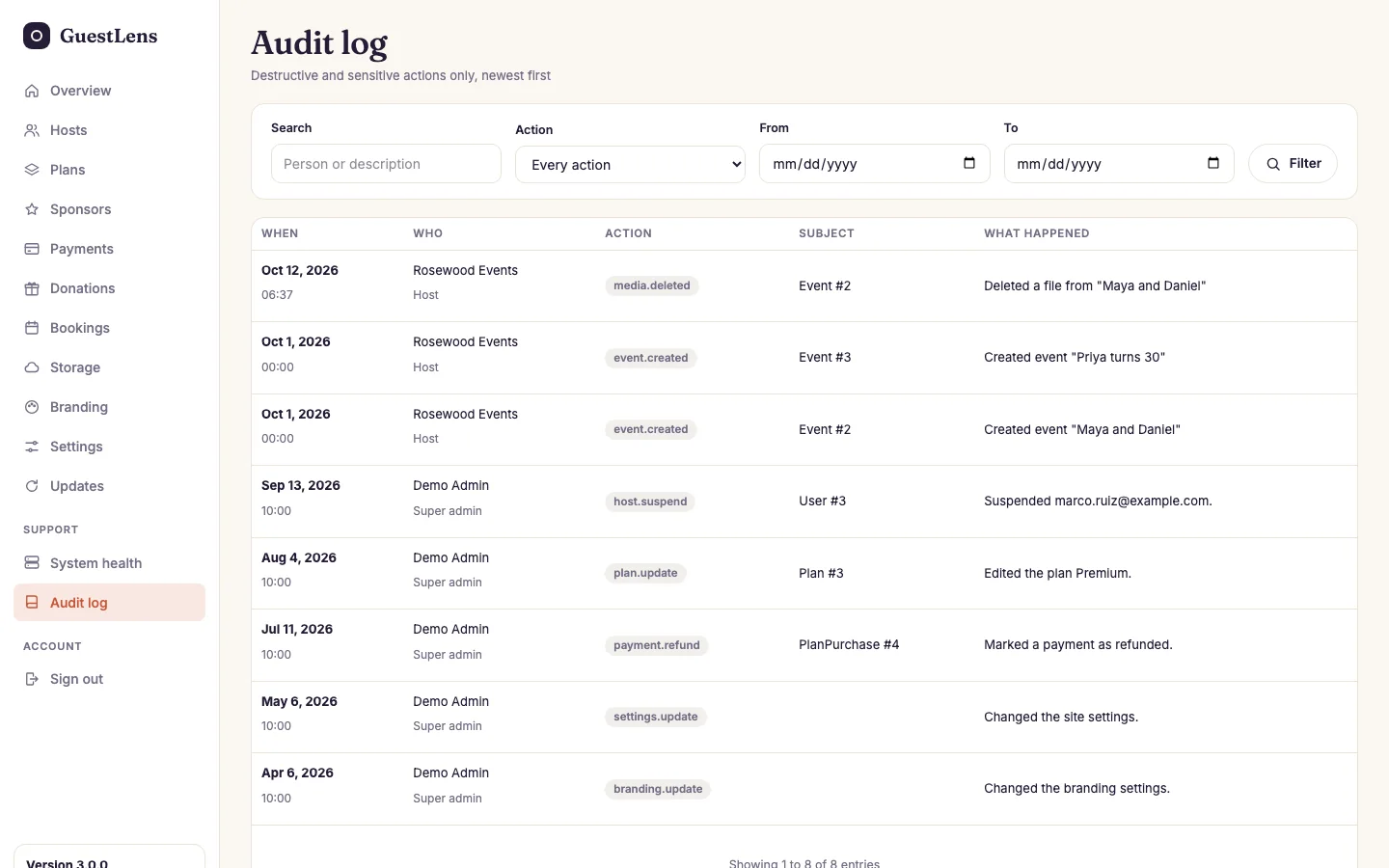
- Filter by text, by action, and by date.
- Each entry: when, who (host or super admin), the action, what it was done to, and a sentence that says what happened.