 GuestLens
For hosts
Host account and plans
This part of the guide is about what your customers, the hosts, do. You do not have to read it to run your site, but it helps you answer their questions. You can also forward these pages to your hosts. To see their screens yourself, use Sign in as this host on any host's page in the admin.
Sign up
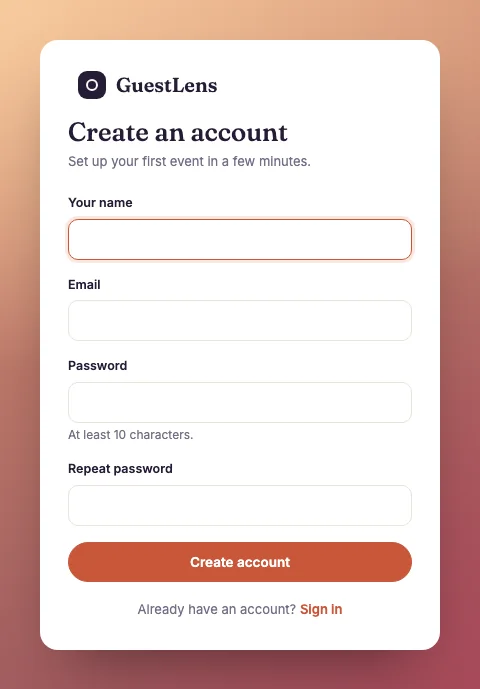
/register.The events list
After signing in, a host sees their events.
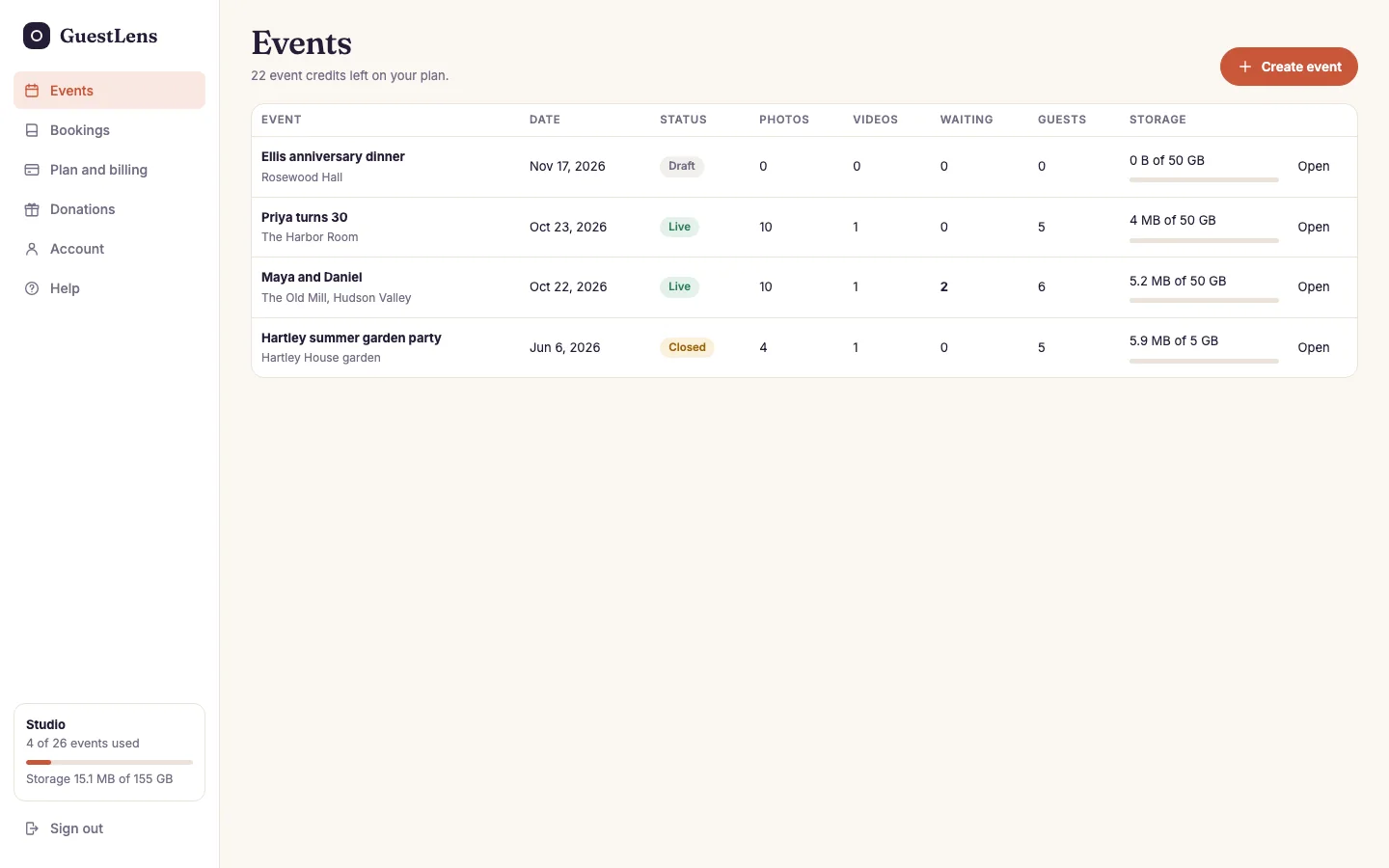
- Create event. Each event uses one event credit from a plan. See Create an event.
- Each event: its date, status (Draft, Live, or Closed), photos, videos, items waiting for approval, guests, and storage. Open goes to its dashboard.
- The plan box: the host's plan, how many events they have used, and their storage. It is on every host screen.
Buy a plan
A host needs a plan before they can create an event. They open Plan and billing and click Buy a plan.
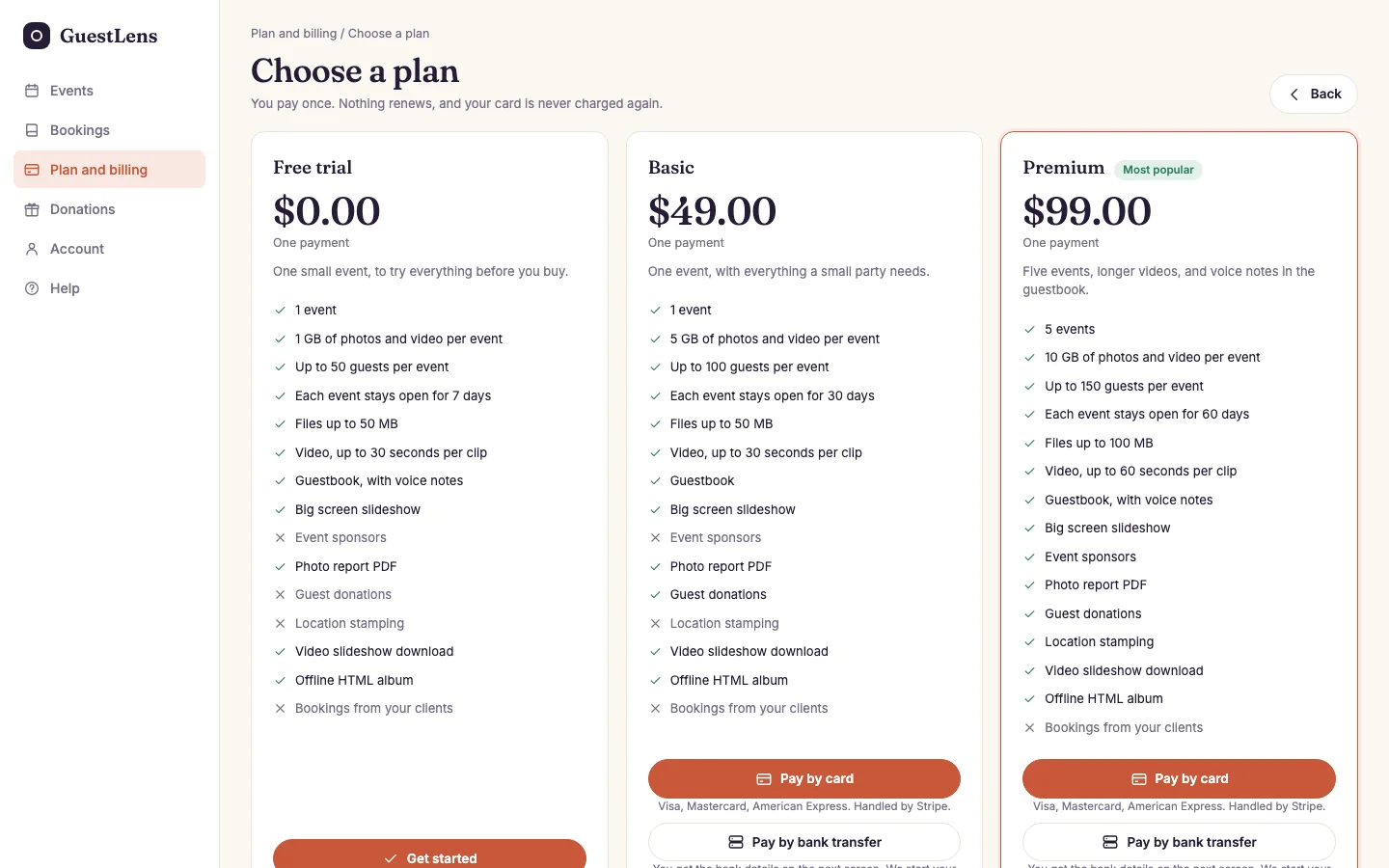
- A free plan is added at once with Get started. Each host can take it only once.
- A paid plan, with its price and everything it includes. The plan you marked as popular has a label and a colored border.
- One button per way to pay that you turned on: card, PayPal, or bank transfer.
With a card or PayPal, the host pays on the payment service's own page and comes back to your site with the plan added. With bank transfer, they see your bank details, send the money, and upload a receipt on the same page. The plan is added when you approve it. See Approve a bank transfer.
Plan and billing
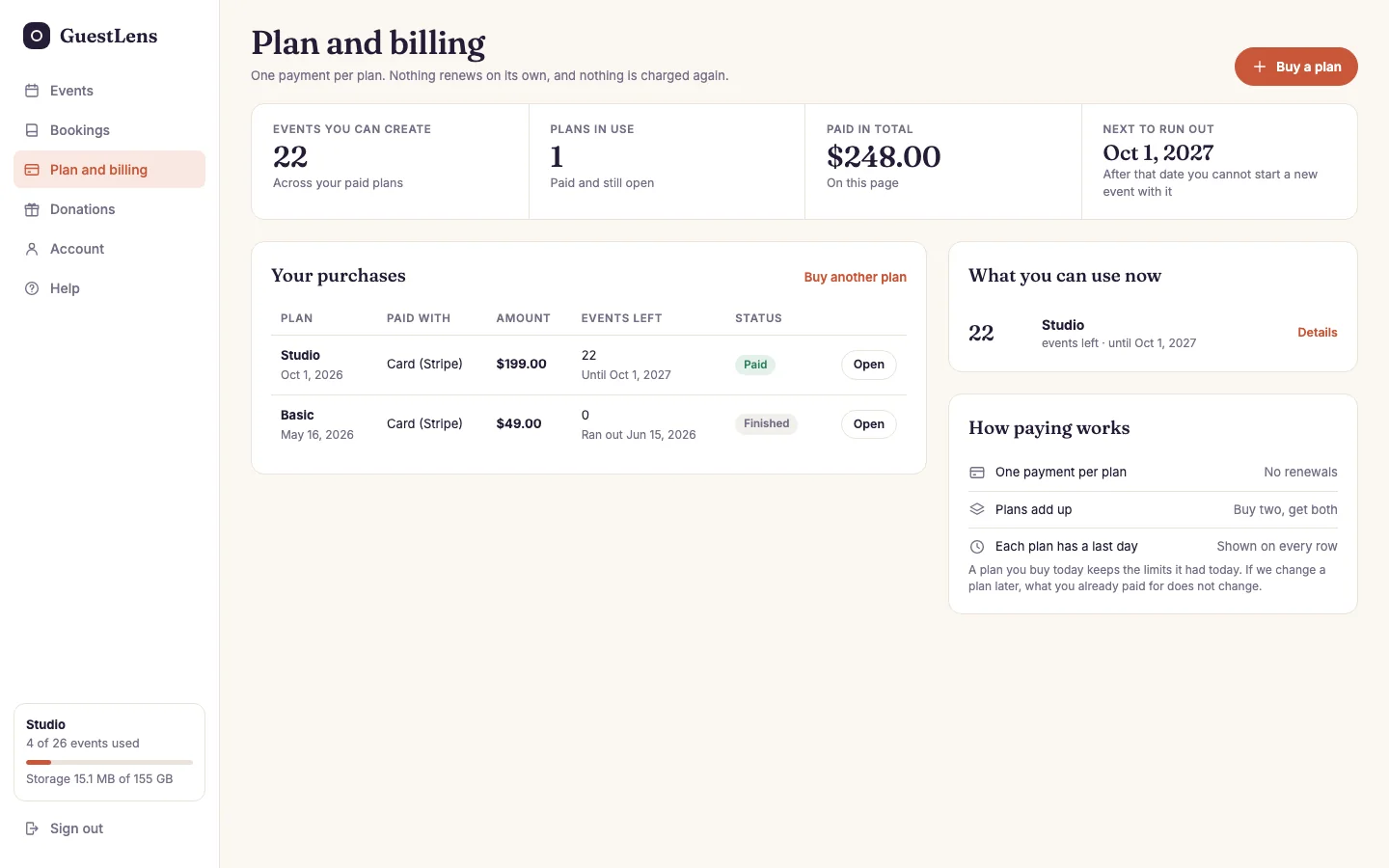
- What you can use now: event credits left, and until when.
- Your purchases: every plan they bought, and its status. Open shows the receipt, or the bank details for a transfer.
- How paying works: one payment per plan, no renewals, plans add up, and each plan has a last day.
- Buy a plan.
Plans add up. If a host buys a second plan, its events are added to the ones they already have. Each plan has a last day: after it, the host cannot start a new event with that plan. Events already started are not deleted.
Account
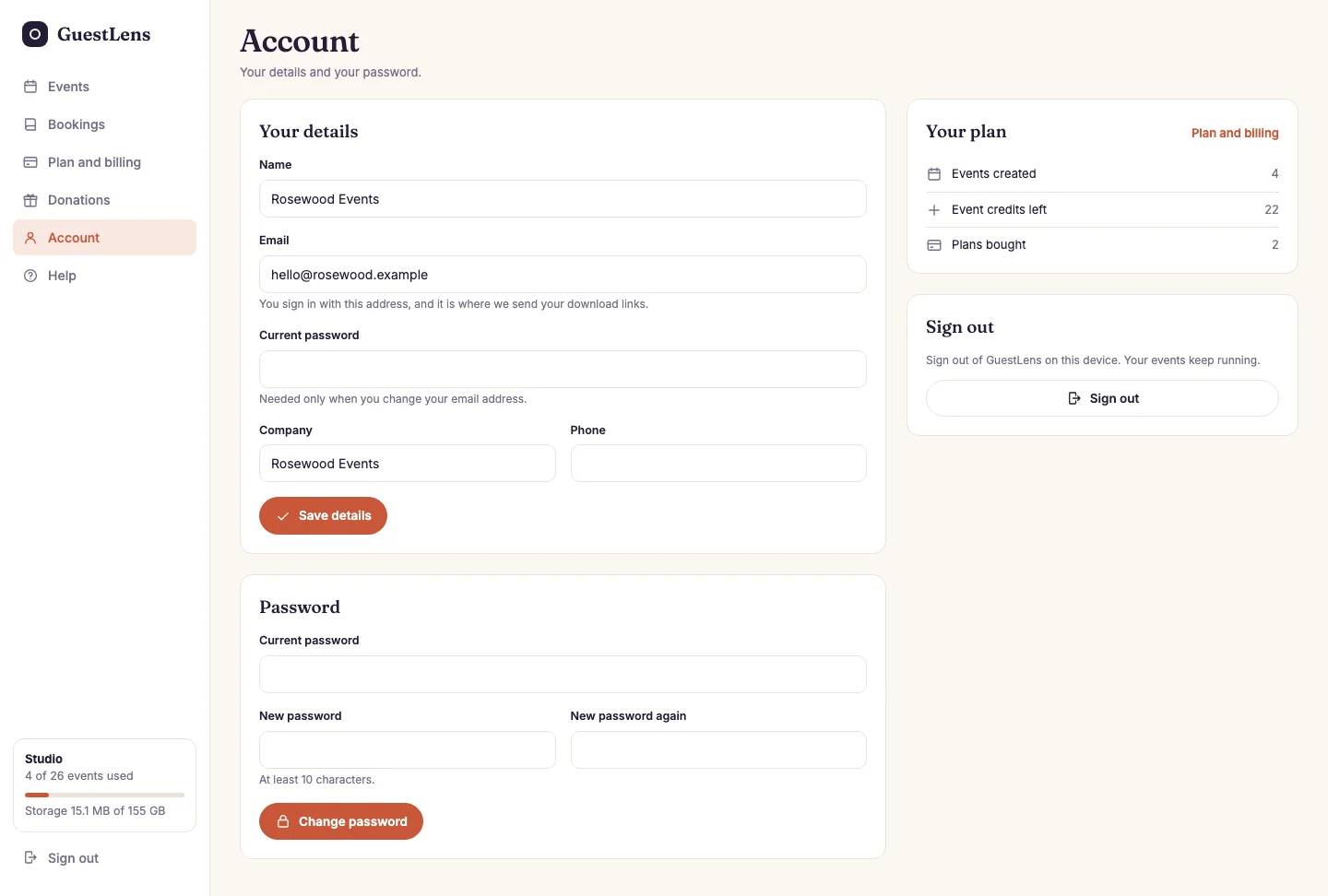
- Your details: name, email, company, and phone. Changing the email asks for the current password.
- Password: change it here.
- Your plan: events created, credits left, and plans bought.